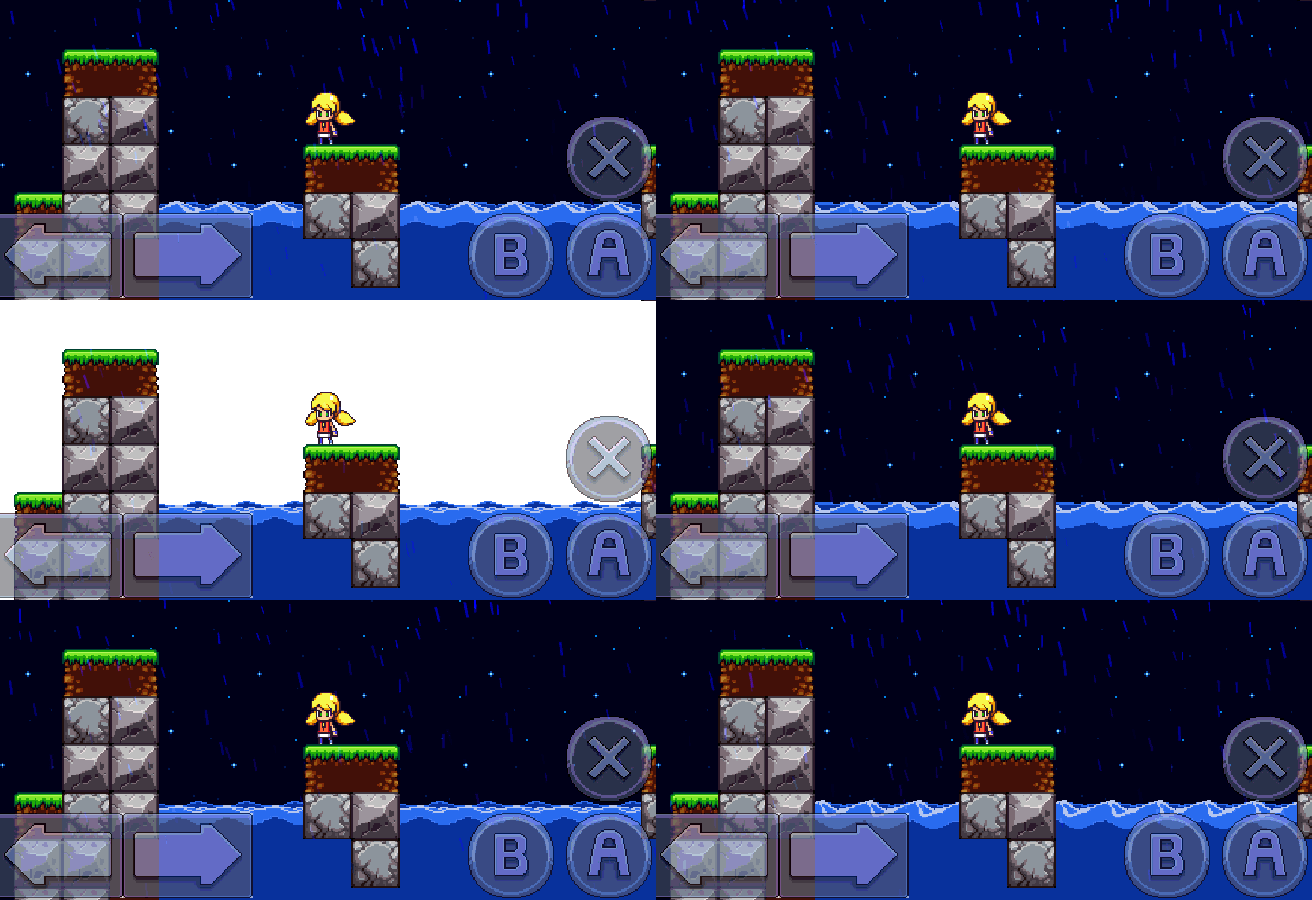
If someone who has never made a game before decides to try to create one, it seems like it’s going to be pretty simple. Then that person will have a day – deep into the dev cycle – where they discover a technical requirement they didn’t think about, pull their hair out, and have a nervous breakdown. When we were working on the original Cally’s Caves, there was a certain day when it dawned on us that we were going to have to account for all the different resolutions that iOS devices use. It had never occurred to us in the planning phase that we were going to have to make the game work on anything more than one resolution, and it set us back quite a bit while we implemented our strategy. Thinking back on those days, it seems like it could be a useful exercise to document how we handle the resolutions in specific detail. We do this in the hopes that some others may come across the article and find it useful when they are dealing with the same issue.

Schools of Thought
There are a number of different ways you could handle scaling to different resolutions while developing a game. Looking at GameMaker: Studio specifically, if you look at the tutorial on resolution scaling, it shows you a method of scaling that allows landscape and portrait mode. It’s an adaptable scaling method that is run during every single frame of the game. This is the first school of thought when it comes to resolution scaling on mobile devices: Continue reading
 When we came to the decision to make Cally’s Caves 3, we knew that we would have to radically rethink many of the gameplay mechanics that were in Cally’s Caves 1 and 2. One of the biggest benefits of creating a direct sequel is that it gives us an opportunity to do things differently. We are proud of our first two games, but it’s always helpful to take a step back and try to evaluate what you’ve created from a different perspective. Then, we can use our experience making the first two games to make Cally’s Caves 3 bigger, and much better. This Dev Diary will outline many of the design decisions we made during the planning phase of Cally’s Caves 3 development.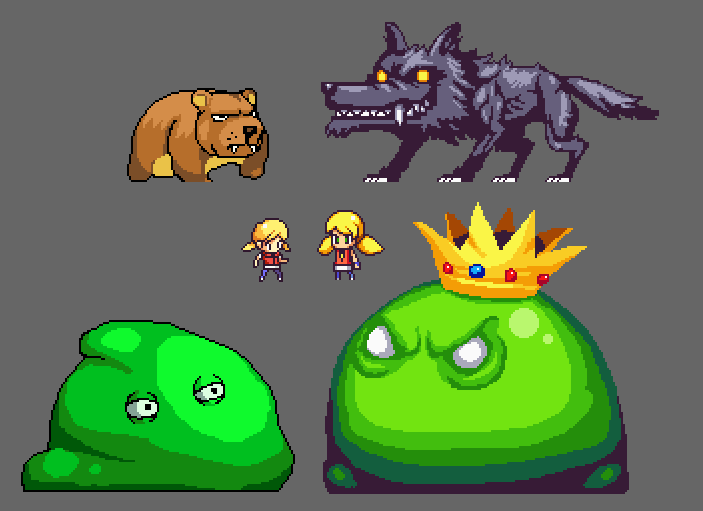


 Cally's Caves